← All case studies

Logistics and administrative tracking

ExpaTracking

Find a shipment using its reference.

ExpaTracking

01

Context

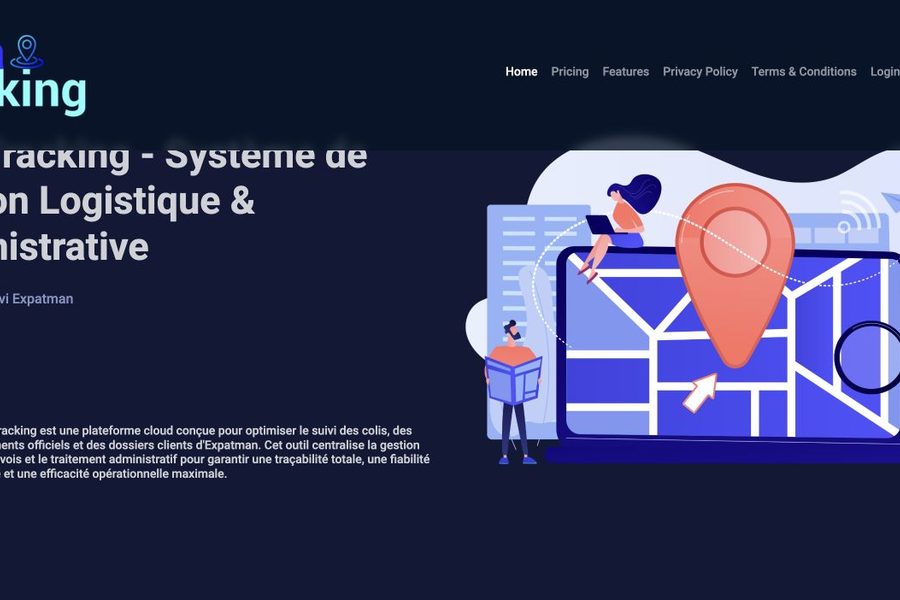
Tracking parcels, official documents and client files needs a clear starting point. The public page offers a lookup, while sign-in routes separate private uses.

02

Presented features

  • Presentation of parcel, official document and client file tracking.
  • Public lookup using a shipment identifier.
  • Access to sign-in and registration.

03

A scope you can review

The platform presents reference-based lookup and access to private areas. The portfolio entry and project website describe its public-facing features.

Visit the project ↗

Client data and internal screens are not published here. No processing volumes or productivity gains are claimed.

Your project

Start with what you need.

A different context may need a different approach. Discuss the users, content and constraints of your organisation.

Request a meeting ↗

Keep this portfolio close

On iPhone or iPad, open this site in Safari, tap Share, then “Add to Home Screen”. On Android or desktop, use “Install” in your browser menu when available.

Previously visited public pages remain available offline when a saved copy exists. The contact form needs a connection. No message is sent in the background.